> ## Documentation Index
> Fetch the complete documentation index at: https://docs.visitoai.com/llms.txt
> Use this file to discover all available pages before exploring further.
# Authentication
> Learn how to authenticate requests to the Visito API.
All requests to the Visito API must be authenticated using an **API Key**.\
Follow the steps below to create your key and begin making secure API calls.
### Generate Your API Key
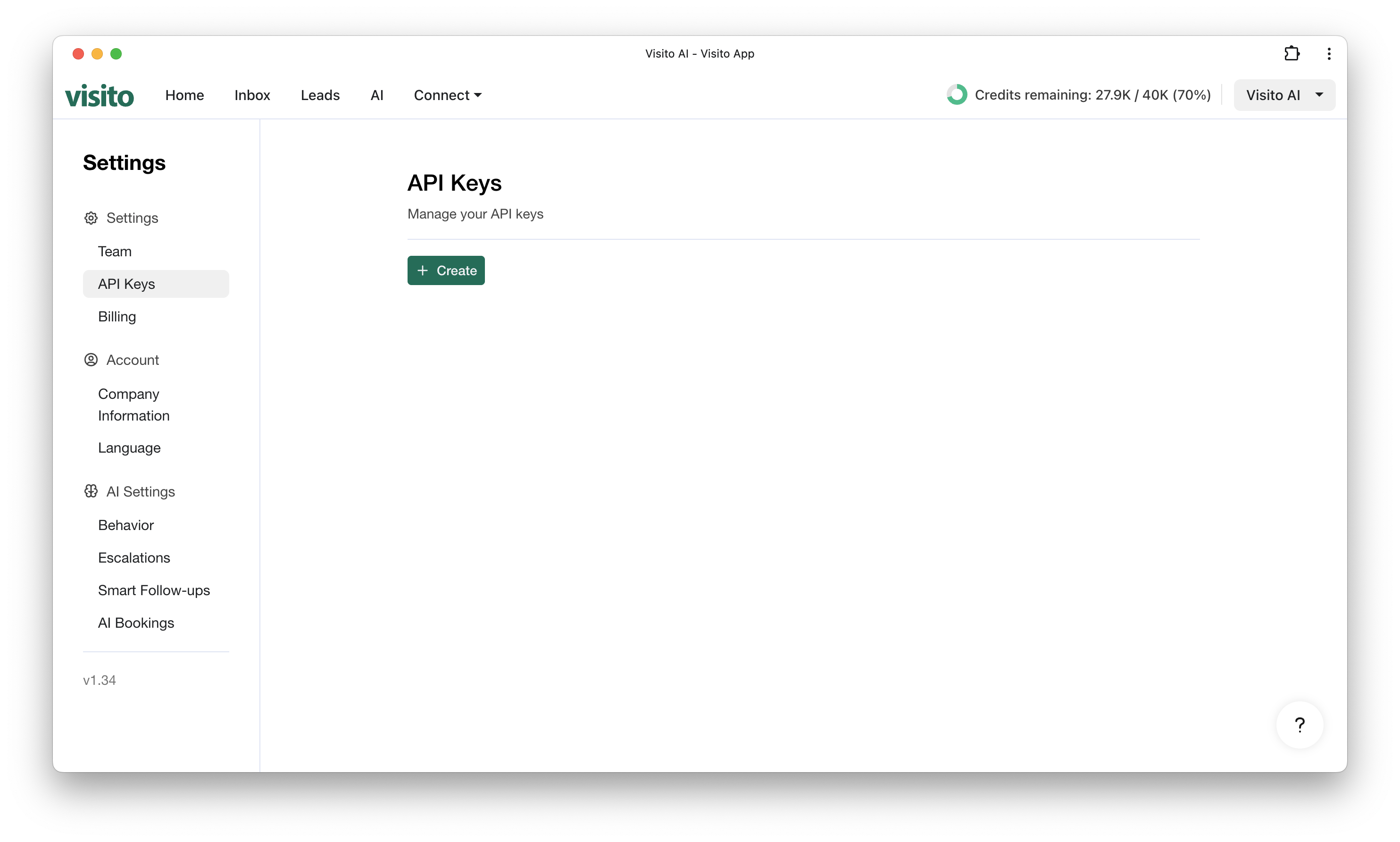 1. Navigate to **Settings → API Keys** in your [Visito Dashboard](https://app.visitoai.com/settings/api).
2. Click **Create new API Key**.
3. Copy your key and store it in a secure location.
4. Add the API key to the `Authorization` header of all API requests using the **Bearer** format.
Your API key is sensitive. Never expose it in client-side code or share it publicly.\
Store it in a secure environment variable on your server.
## Example Authorization Header
```http theme={null}
Authorization: Bearer YOUR_API_KEY_HERE
```
1. Navigate to **Settings → API Keys** in your [Visito Dashboard](https://app.visitoai.com/settings/api).
2. Click **Create new API Key**.
3. Copy your key and store it in a secure location.
4. Add the API key to the `Authorization` header of all API requests using the **Bearer** format.
Your API key is sensitive. Never expose it in client-side code or share it publicly.\
Store it in a secure environment variable on your server.
## Example Authorization Header
```http theme={null}
Authorization: Bearer YOUR_API_KEY_HERE
```