> ## Documentation Index
> Fetch the complete documentation index at: https://docs.visitoai.com/llms.txt
> Use this file to discover all available pages before exploring further.
# Test and launch your agent
> Use a repeatable test plan and go-live checklist before connecting the agent to guests.
Testing should prove more than whether the agent can answer one happy-path question. Verify facts, behavior, integrations, handoffs, and the cases where the agent should ask for help.
 ## Prepare a test plan
Build the test plan from real questions your team receives. Include at least:
| Area | Example test |
| --------------------------- | --------------------------------------------------------------------- |
| Basic facts | “What time is check-in?” |
| Property scope | “Does the Airport Hotel have parking?” |
| Missing context | “Can I bring my dog?” when no property is selected |
| Incorrect assumption | “Your breakfast is free, right?” |
| Request versus confirmation | “Can you guarantee early check-in?” |
| Reservation flow | Search dates, select a room and rate, then price the allocated guests |
| Handoff | “I need to speak with someone.” |
| Handoff false positive | “What payment methods do you accept?” |
| Custom Instructions | A question that requires the configured format or tone |
| Unknown information | Ask something not present in knowledge or a connected system |
For hospitality availability and pricing, test the complete two-phase flow: availability discovers date-valid inventory, then pricing validates the selected room, rate, and per-room occupancy allocation.
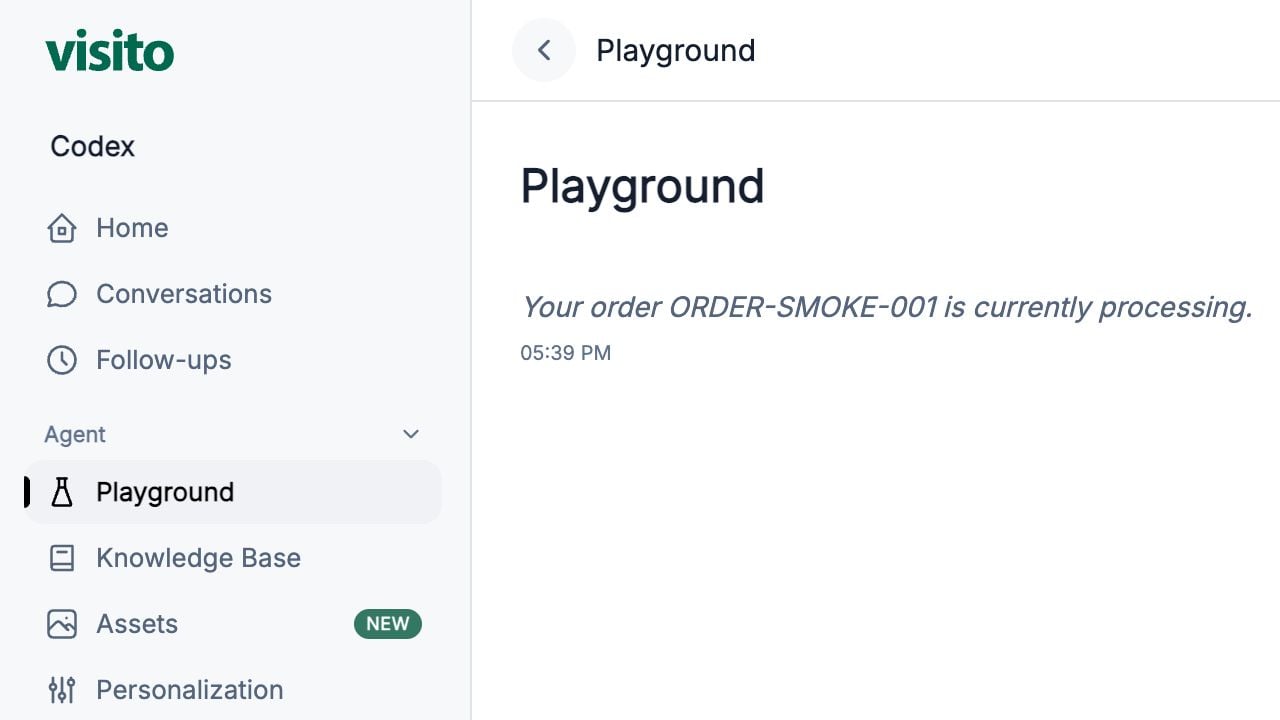
## Run tests in Playground
Use a clean chat after material changes to knowledge, instructions, integrations, tools, or handoff rules.
Use natural guest wording rather than copying your source title.
Test whether the agent retains context and asks only for missing information.
Mark it Pass, Needs content, Needs behavior, Needs handoff, or Needs integration.
Update the Knowledge Base for facts, Custom Instructions for behavior, Handoff Rules for escalation, or the relevant integration for provider results.
Confirm the fix did not create a new failure in a related scenario.
## Diagnose the right layer
| Problem | First place to check |
| --------------------------------------- | ------------------------------------------------------- |
| Incorrect or missing policy | Knowledge Base |
| Correct facts, wrong style or structure | Personalization and Custom Instructions |
| Conversation should reach a person | Handoff Rules |
| Wrong property used | Property scope and conversation context |
| Availability or price issue | Connected integration and the selection/allocation flow |
| Approved file is not shareable | Assets |
| Custom backend action failed | Build → Tool calls → Activity logs |
## Go-live checklist
### Workspace and property
* [ ] The active workspace is correct.
* [ ] Every active property has the correct country and timezone.
* [ ] Property-specific knowledge, assets, channels, and integrations have the correct scope.
### Knowledge and behavior
* [ ] Essential FAQs have clear, current answers.
* [ ] Conflicting or expired sources are inactive or removed.
* [ ] Custom Instructions are short, specific, and free of secrets.
* [ ] Requests are not described as confirmations.
### Handoffs
* [ ] Explicit requests for a person trigger a handoff.
* [ ] Urgent and payment scenarios capture only essential fields.
* [ ] Working hours and AI timezone are correct.
* [ ] Similar normal questions do not create false-positive handoffs.
### Testing and connections
* [ ] The main test plan passes in new Playground chats.
* [ ] Connected channels are assigned to the correct properties.
* [ ] **Active** and **Respond** states are intentional.
* [ ] Booking integrations complete availability and pricing tests.
* [ ] At least one operator knows how to review and resolve a handoff.
## Launch gradually
Start with one property or channel when possible. Review the first live conversations daily, then expand after the common questions and handoff behavior are stable.
After launch, use Conversations, Home, Follow-ups, and handoff history to identify:
* Frequently unanswered questions
* Incorrect property scope
* Repeated manual corrections
* Missing escalation scenarios
* Rules that trigger too often
Learn how test chats and clean sessions work.
Return to the full onboarding sequence.
## Prepare a test plan
Build the test plan from real questions your team receives. Include at least:
| Area | Example test |
| --------------------------- | --------------------------------------------------------------------- |
| Basic facts | “What time is check-in?” |
| Property scope | “Does the Airport Hotel have parking?” |
| Missing context | “Can I bring my dog?” when no property is selected |
| Incorrect assumption | “Your breakfast is free, right?” |
| Request versus confirmation | “Can you guarantee early check-in?” |
| Reservation flow | Search dates, select a room and rate, then price the allocated guests |
| Handoff | “I need to speak with someone.” |
| Handoff false positive | “What payment methods do you accept?” |
| Custom Instructions | A question that requires the configured format or tone |
| Unknown information | Ask something not present in knowledge or a connected system |
For hospitality availability and pricing, test the complete two-phase flow: availability discovers date-valid inventory, then pricing validates the selected room, rate, and per-room occupancy allocation.
## Run tests in Playground
Use a clean chat after material changes to knowledge, instructions, integrations, tools, or handoff rules.
Use natural guest wording rather than copying your source title.
Test whether the agent retains context and asks only for missing information.
Mark it Pass, Needs content, Needs behavior, Needs handoff, or Needs integration.
Update the Knowledge Base for facts, Custom Instructions for behavior, Handoff Rules for escalation, or the relevant integration for provider results.
Confirm the fix did not create a new failure in a related scenario.
## Diagnose the right layer
| Problem | First place to check |
| --------------------------------------- | ------------------------------------------------------- |
| Incorrect or missing policy | Knowledge Base |
| Correct facts, wrong style or structure | Personalization and Custom Instructions |
| Conversation should reach a person | Handoff Rules |
| Wrong property used | Property scope and conversation context |
| Availability or price issue | Connected integration and the selection/allocation flow |
| Approved file is not shareable | Assets |
| Custom backend action failed | Build → Tool calls → Activity logs |
## Go-live checklist
### Workspace and property
* [ ] The active workspace is correct.
* [ ] Every active property has the correct country and timezone.
* [ ] Property-specific knowledge, assets, channels, and integrations have the correct scope.
### Knowledge and behavior
* [ ] Essential FAQs have clear, current answers.
* [ ] Conflicting or expired sources are inactive or removed.
* [ ] Custom Instructions are short, specific, and free of secrets.
* [ ] Requests are not described as confirmations.
### Handoffs
* [ ] Explicit requests for a person trigger a handoff.
* [ ] Urgent and payment scenarios capture only essential fields.
* [ ] Working hours and AI timezone are correct.
* [ ] Similar normal questions do not create false-positive handoffs.
### Testing and connections
* [ ] The main test plan passes in new Playground chats.
* [ ] Connected channels are assigned to the correct properties.
* [ ] **Active** and **Respond** states are intentional.
* [ ] Booking integrations complete availability and pricing tests.
* [ ] At least one operator knows how to review and resolve a handoff.
## Launch gradually
Start with one property or channel when possible. Review the first live conversations daily, then expand after the common questions and handoff behavior are stable.
After launch, use Conversations, Home, Follow-ups, and handoff history to identify:
* Frequently unanswered questions
* Incorrect property scope
* Repeated manual corrections
* Missing escalation scenarios
* Rules that trigger too often
Learn how test chats and clean sessions work.
Return to the full onboarding sequence.