> ## Documentation Index
> Fetch the complete documentation index at: https://docs.visitoai.com/llms.txt
> Use this file to discover all available pages before exploring further.
# Mobile App
> Manage your conversations anywhere on web, mobile, or desktop.
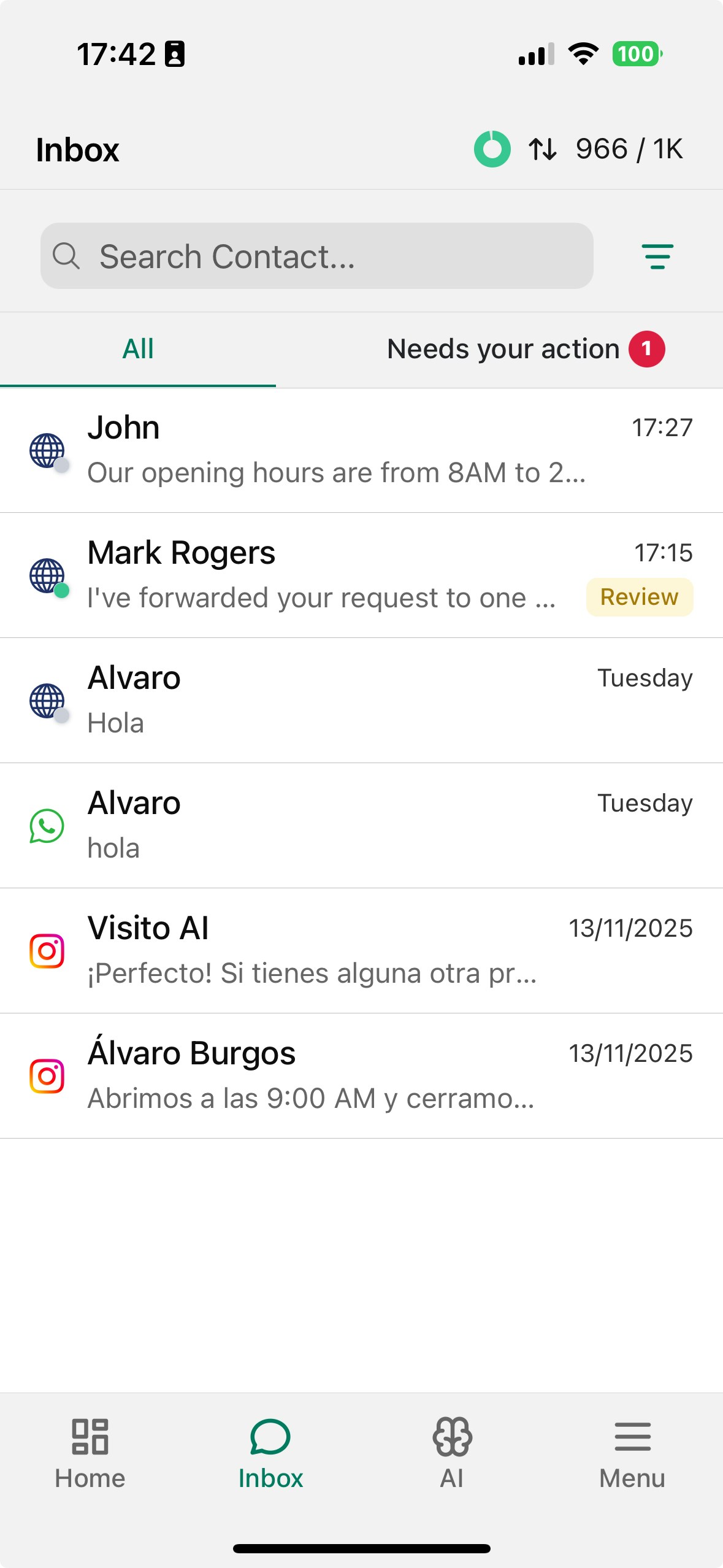
Visito gives you the flexibility to manage all your conversations from wherever you work.
Everything you can do on the web: reviewing messages, responding manually, handling escalations, searching contacts, and more is also available in our mobile apps.
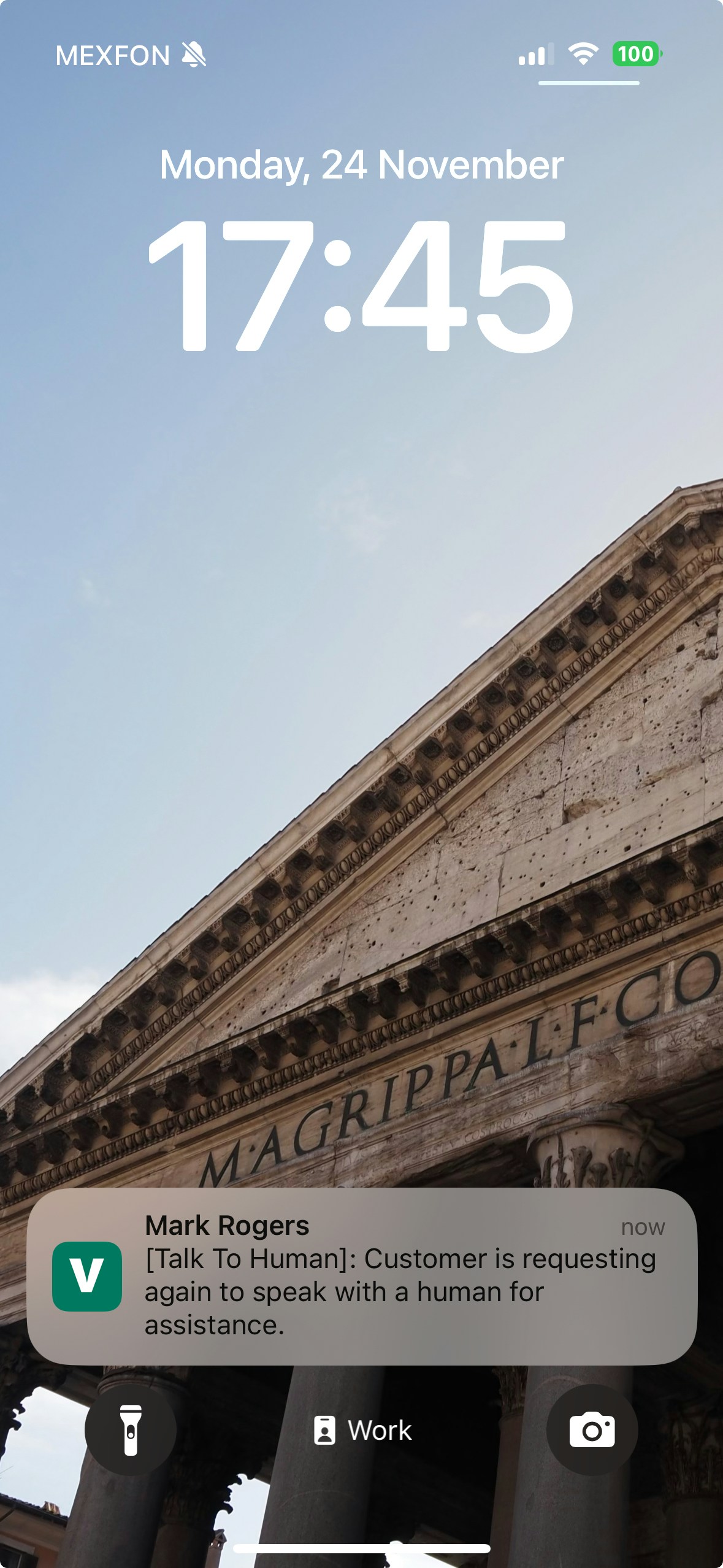
You’ll receive **real-time push notifications** for new messages, escalations, and conversations that need your action.
 ## Mobile Apps
Stay connected on the go and never miss an important conversation.
**Download the mobile app:**
* [**iOS**](https://apps.apple.com/us/app/visito-ai/id6475635950?l=en-US)
* [**Android**](https://play.google.com/store/apps/details?id=visito.app.production\&pli=1)
### Enable push notifications
To receive real-time alerts for new messages and escalations, switch on push notifications in the Visito mobile app.
1. Open the **Visito** app on your phone.
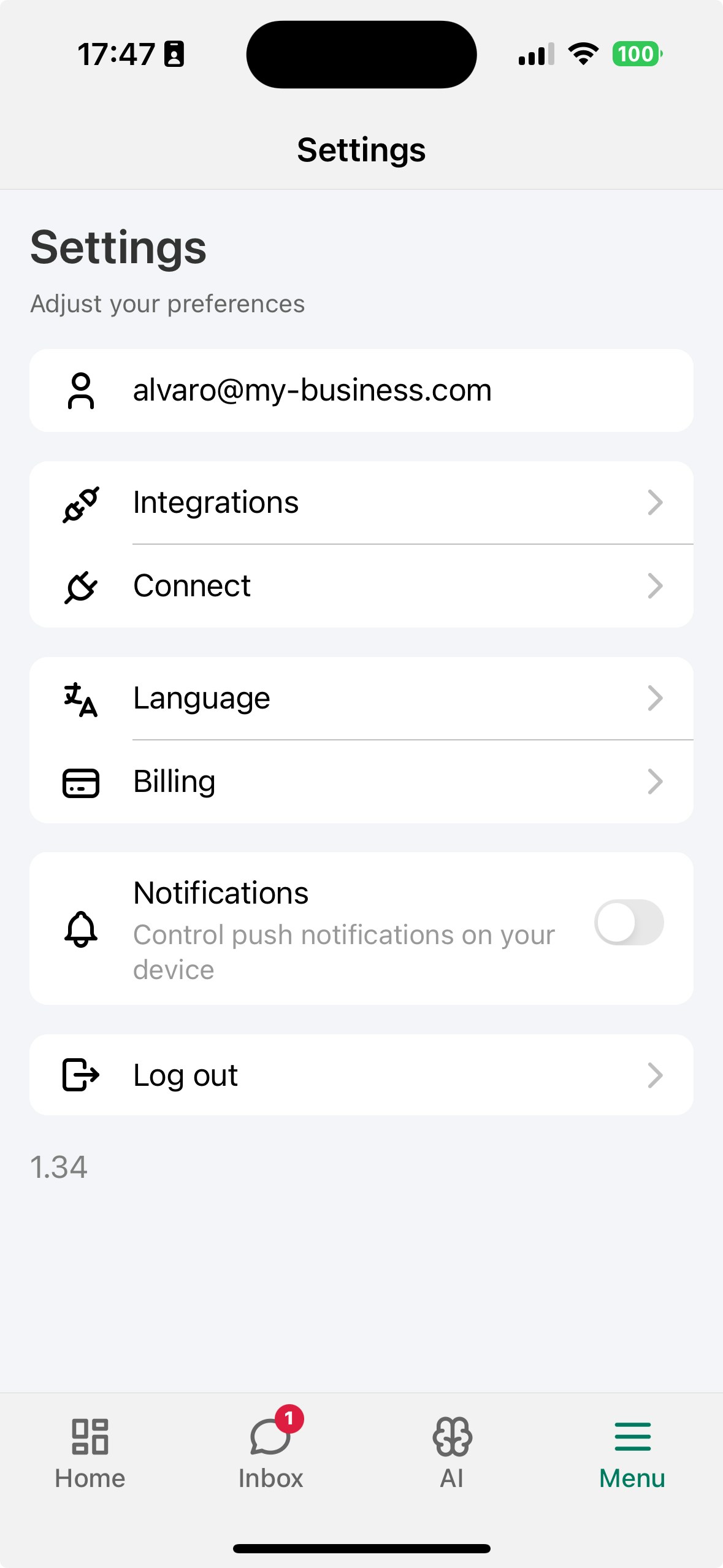
2. Tap **Menu** in the bottom-right corner.
3. Go to **Settings**.
4. Tap **Notifications**.
5. Turn the toggle **On** and, if prompted, allow notifications in your device settings.
## Mobile Apps
Stay connected on the go and never miss an important conversation.
**Download the mobile app:**
* [**iOS**](https://apps.apple.com/us/app/visito-ai/id6475635950?l=en-US)
* [**Android**](https://play.google.com/store/apps/details?id=visito.app.production\&pli=1)
### Enable push notifications
To receive real-time alerts for new messages and escalations, switch on push notifications in the Visito mobile app.
1. Open the **Visito** app on your phone.
2. Tap **Menu** in the bottom-right corner.
3. Go to **Settings**.
4. Tap **Notifications**.
5. Turn the toggle **On** and, if prompted, allow notifications in your device settings.