
1. Find the contact
SetVISITO_API_KEY to your M2M key. Look up the full international number.
matchStatus: single, set CONTACT_ID to the returned matches[0].contactId. For multiple, pick the correct business and channel before writing. For none, stop. Lookup searches existing contacts and leaves them unchanged.
2. Create the note once
note.noteId as NOTE_ID and keep note.revision. Use a stable externalRef for this CRM record. Retrying the same create with the same credential and payload returns the existing note. The dashboard shows who wrote it.
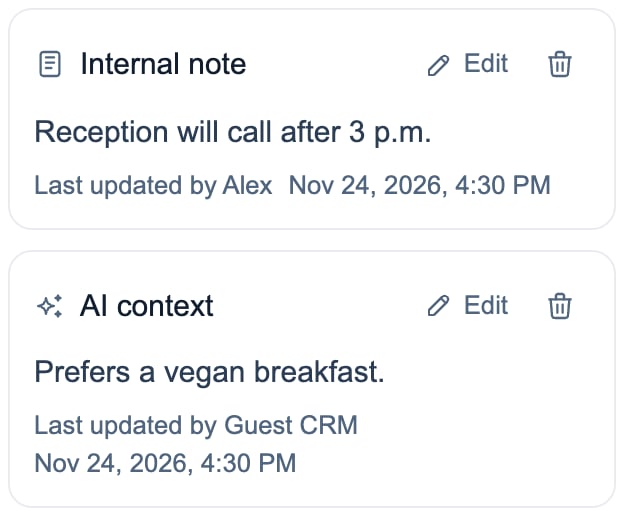
3. Update it when the CRM record changes
Use the current revision. This example updates a newly created note at revision 1.409), list your notes and reconcile the latest edit. If another author owns the occupied slot, ask the team to review it. Deleting requires the current revision. A deleted external reference returns 410 if creation is retried.
API and MCP operations
Paths are relative to/m2m/v1. Read uses contacts:notes:read. Write uses contacts:notes:write.
For MCP, pass path and query values as named arguments and the JSON body under
input. For example, call lookup_conversation_contact with {"input":{"phone":"+14155550102"}}.
Try the guest experience in Webchat