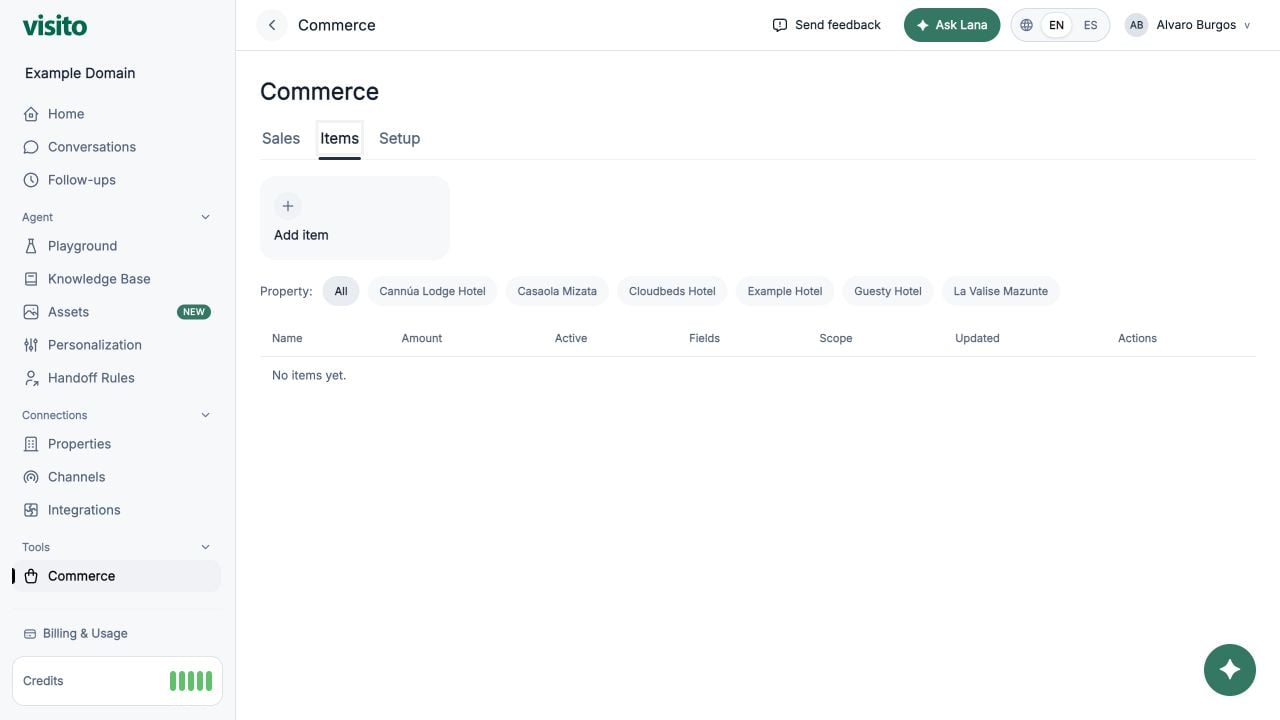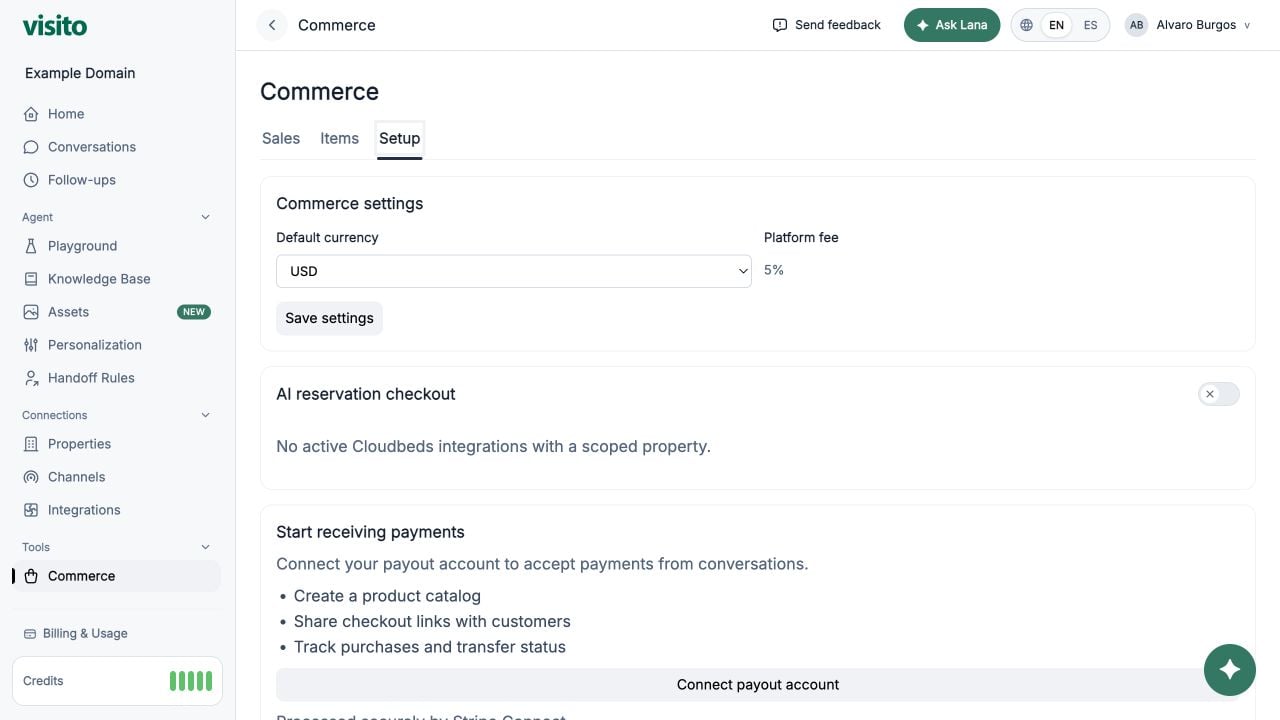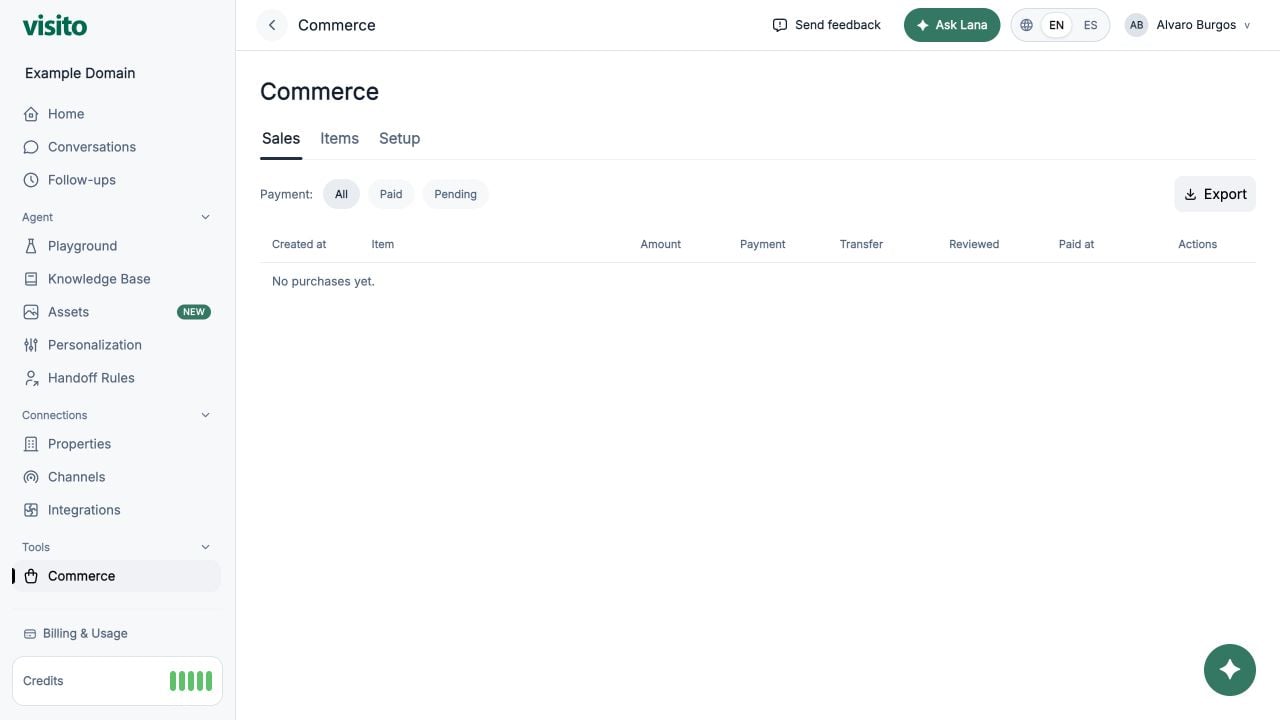
Use Items Catalog to sell products/services directly in chat (no booking writeback), for example:
  • Pasadía
  • Massage
  • Airport transfer
Go to https://app.visitoai.com/payments/items

What Items Are For

Items are for direct payment collection where price comes from the catalog item itself. Formula: Total charge = item amount x quantity Important:
  • Booking deposit percentage does not apply to item sales.
  • Quantity is separate from properties.

Item Setup

Each item has:
  • Name
  • Description
  • Price (minor units in backend)
  • Currency
  • Active status
Example item:
  • Name: Pasadía
  • Description: Acceso a piscina y comida
  • Price: 20.00 USD

Properties (Hard Part, Explained)

Properties are structured fields AI must collect before creating the payment link. Supported types:
  • date -> strict YYYY-MM-DD
  • enum -> choose one option from your list
  • text -> free text
  • number -> numeric value
Each property includes:
  • Label
  • Type
  • Required (true/false)

How To Think About Properties vs Quantity

  • quantity = how many units are purchased.
  • properties = details about the purchase.
Do not model quantity as a property. Good:
  • Quantity: 3
  • Property day: 2026-05-01
Bad:
  • Property quantity: 3

Property Examples

Example A: Pasadía

Item:
  • Name: Pasadía
  • Amount: 20.00 USD
Properties:
  • day (type date, required)
  • guest_name (type text, optional)
AI-collected values:
  • day = 2026-05-01
  • guest_name = Ana López
  • quantity = 2
Charge:
  • 20.00 x 2 = 40.00 USD

Example B: Massage

Item:
  • Name: Massage
  • Amount: 55.00 USD
Properties:
  • massage_type (type enum, required)
  • Options: Deep tissue, Relaxing, Sports
  • time_slot (type text, required)
AI-collected values:
  • massage_type = Relaxing
  • time_slot = 15:30
  • quantity = 1
Charge:
  • 55.00 x 1 = 55.00 USD
  1. AI selects an active item.
  2. AI collects all required properties.
  3. AI confirms quantity (>= 1).
  4. AI creates the Stripe payment link.
Behavior:
  • Same item + same quantity + same property values can reuse an active link.
  • Different property values create a new link.
  • Item links expire in 24 hours.
  • After payment, Visito marks it as paid and notifies chat.

Payments Visibility

Items appear in the same Payments table:
  • Reference shows item name (+ compact property hint).
  • Payment detail includes full property values.

Validation Rules

  • name required
  • amount integer minor units (>= 1)
  • currency 3-letter uppercase code
  • enum properties must have at least 1 option
  • date values must be YYYY-MM-DD

Troubleshooting

  • AI does not create item links:
    • Confirm Stripe is connected.
    • Confirm in-chat payment capture is enabled.
    • Confirm item is active.
    • Confirm required properties are configured and provided.
  • Validation error when saving item:
    • Check property type/label.
    • For enum, add options.
    • For date properties, use YYYY-MM-DD.