
Download the current app
Sign in with the same operator account you use on the web dashboard.Work with conversations
The Conversations tab shows the active workspace inbox. Search the inbox, filter the list, open a conversation, review its history, and send a manual reply when a teammate needs to take over.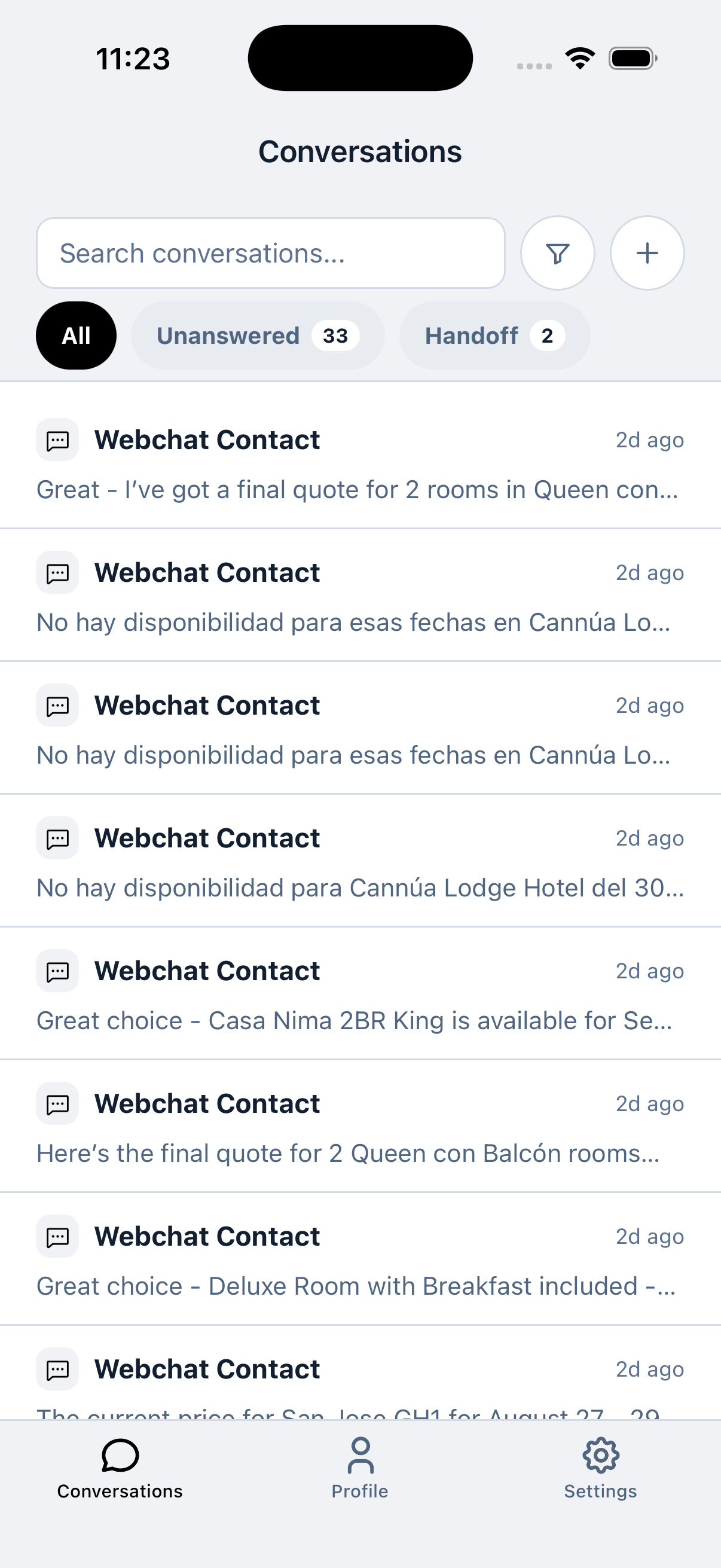
Recommended mobile workflow
- Confirm the active company in Settings before replying.
- Open Conversations and use Unanswered or Handoff to prioritize work.
- Read the latest context before sending a manual reply.
- Confirm the customer’s issue is handled before moving to the next conversation.
Enable push notifications
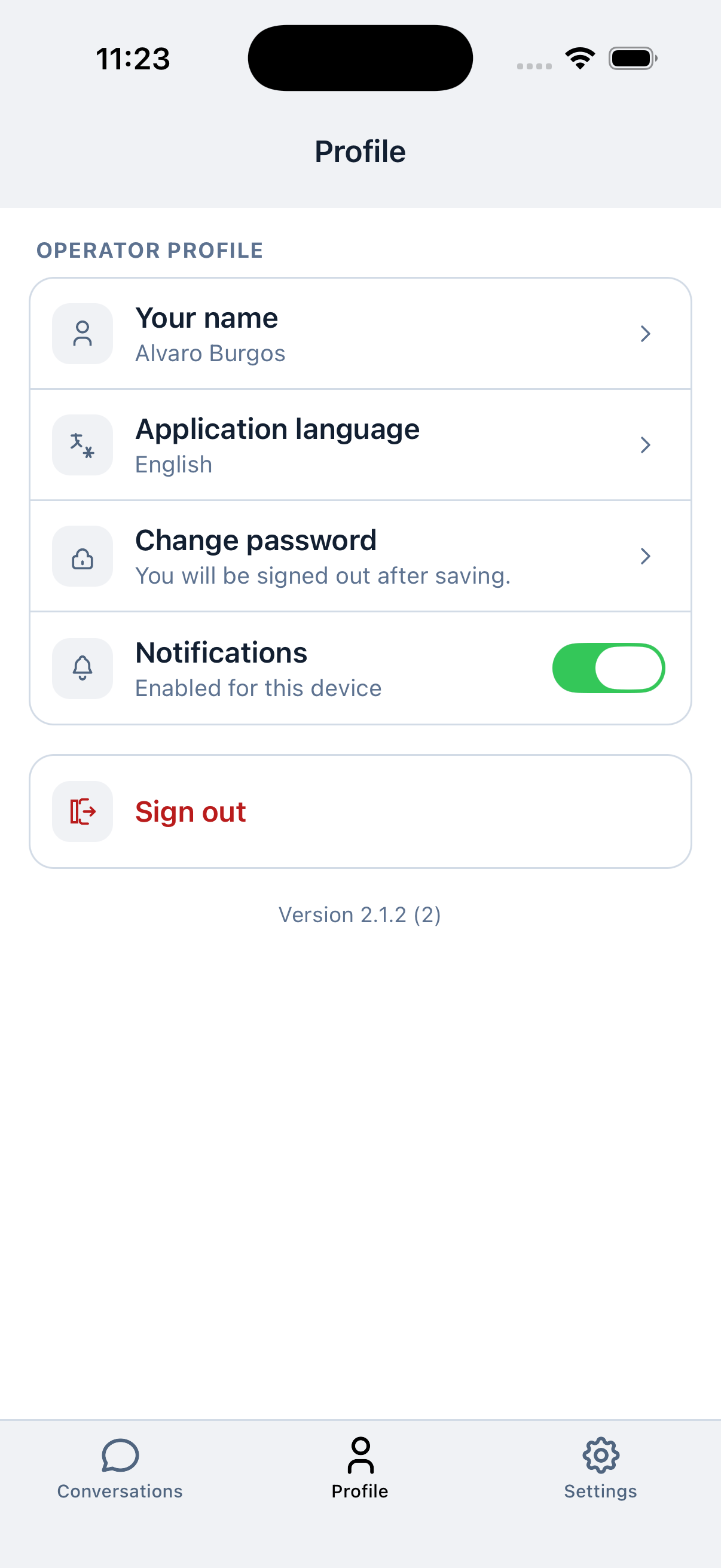
Push notifications help you notice new activity and handoffs when the dashboard is not open.- Open the Profile tab.
- Turn Notifications on.
- When your phone asks for permission, select Allow.
- Keep notifications enabled in both Visito and your phone’s operating-system settings.
Push notification checklist
- Sign in to the correct operator account.
- Confirm Notifications says Enabled for this device.
- Allow alerts, sounds, and badges in the phone settings according to your team’s needs.
- Disable Focus, Do Not Disturb, or battery restrictions while testing.
- Send a real test message through a connected channel and lock or background the app.
- If alerts still do not arrive, sign out, update the app, sign back in, and enable notifications again.
Manage your profile
The Profile tab contains operator-level settings:- Your name
- Application language
- Change password
- Notifications
- Sign out
Open workspace settings
The Settings tab shows the active company and shortcuts to supported configuration areas, including Personalization, Billing, Commerce, Channels, Businesses, Integrations, Knowledge Base, Handoff Policy, and Assets.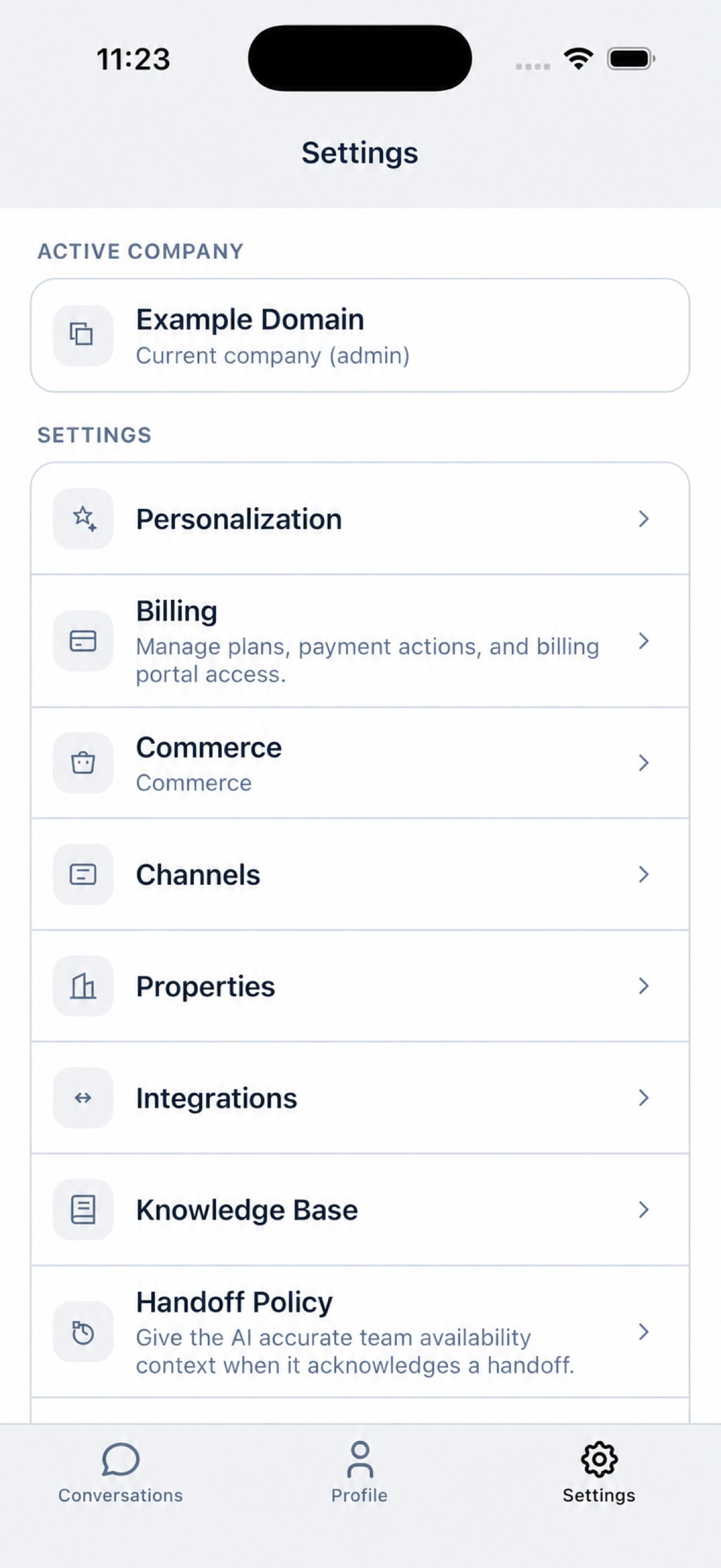
Some configuration flows may open a focused mobile screen or send you to the web dashboard. For first-time channel connections, payment setup, and Build tools, use the web dashboard.