
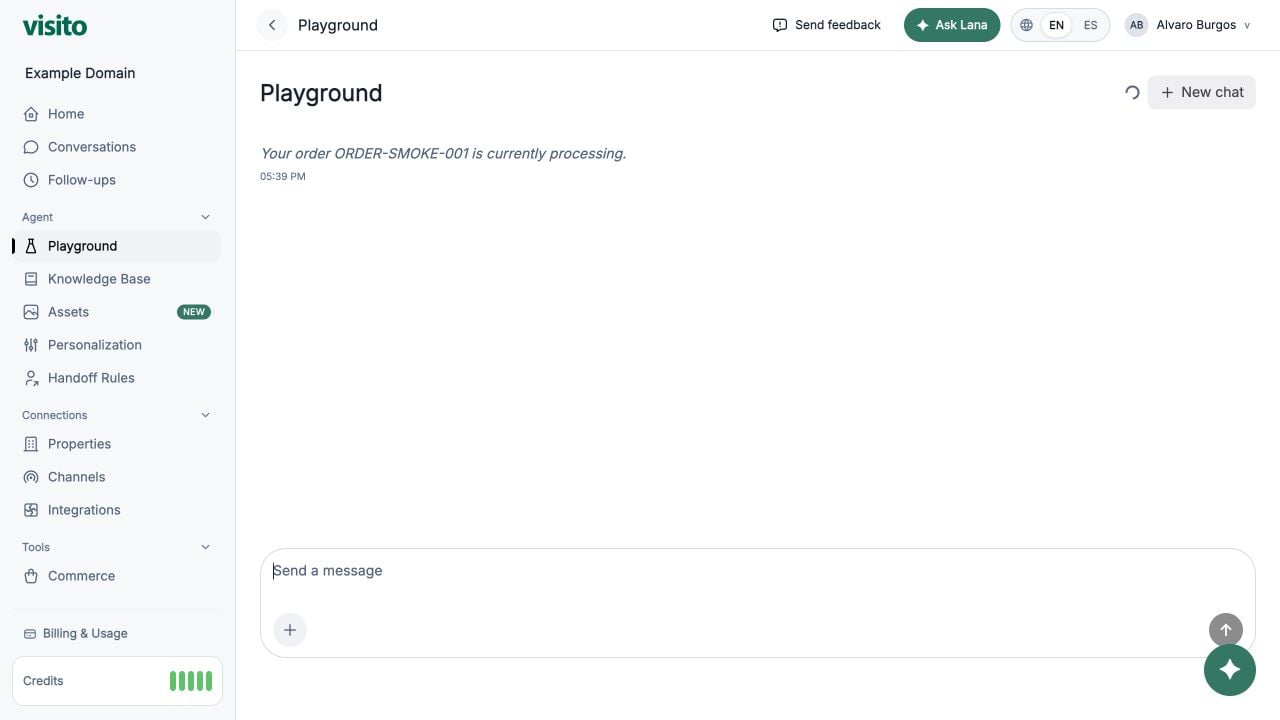
Test a conversation
- Enter a realistic customer question in Send a message.
- Review the answer for factual accuracy, tone, useful next steps, and appropriate tool use.
- Continue the conversation to test context across multiple turns.
Start a new chat
Select New chat when you want a clean context. The previous active session is archived and a new active session is created. Use a new chat after major changes to knowledge, personalization, handoff rules, or custom tools.What to test
- Common questions from each business
- Policies, products or services, and business-specific information
- Availability, pricing, and operational flows after integrations are connected
- Tone, emoji use, message length, and assistant name
- Human handoff scenarios and required-field capture
- Custom tool calls and error handling
Testing and go-live checklist
Use a repeatable test matrix, diagnose the owning configuration, and launch gradually.