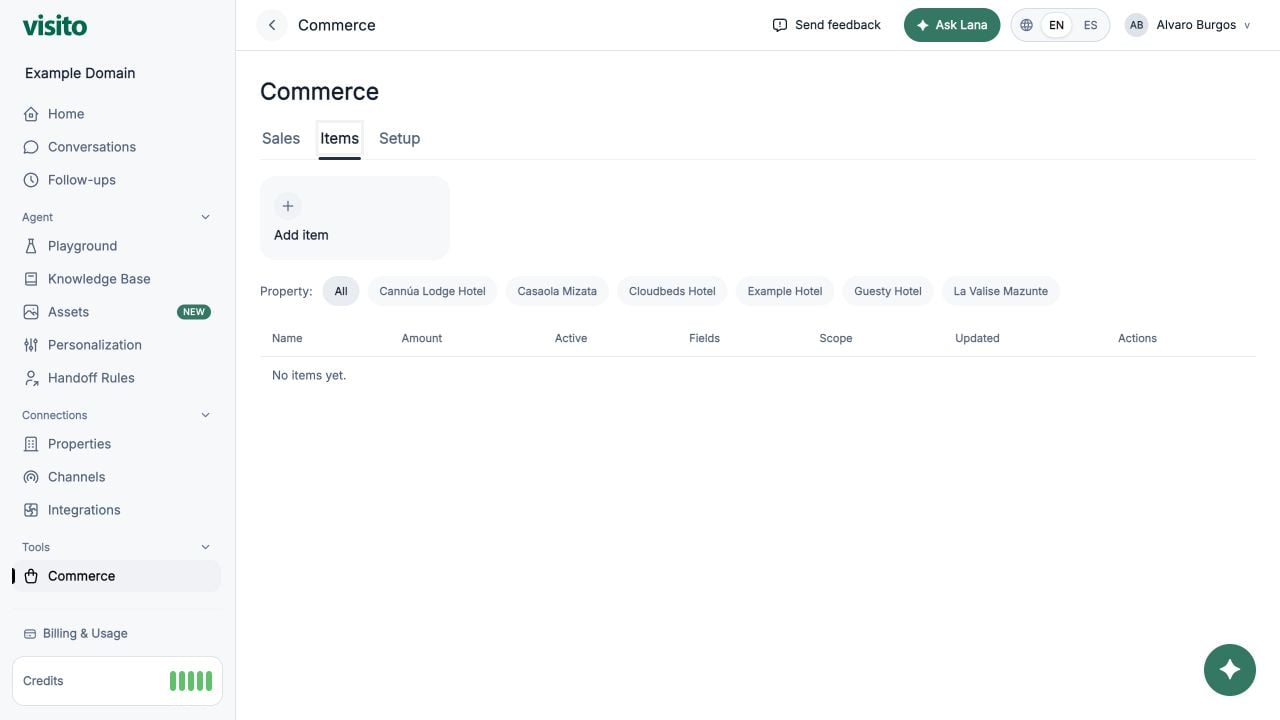
Pasadía, Massage), use Items Catalog.
Before You Start
- You need an admin/system role.
- Payments is available when your company has at least one of these:
- Cloudbeds or Glofox integration
- Stripe connected
- At least one payment item created
1. Connect Your Bank Account (Stripe Express)
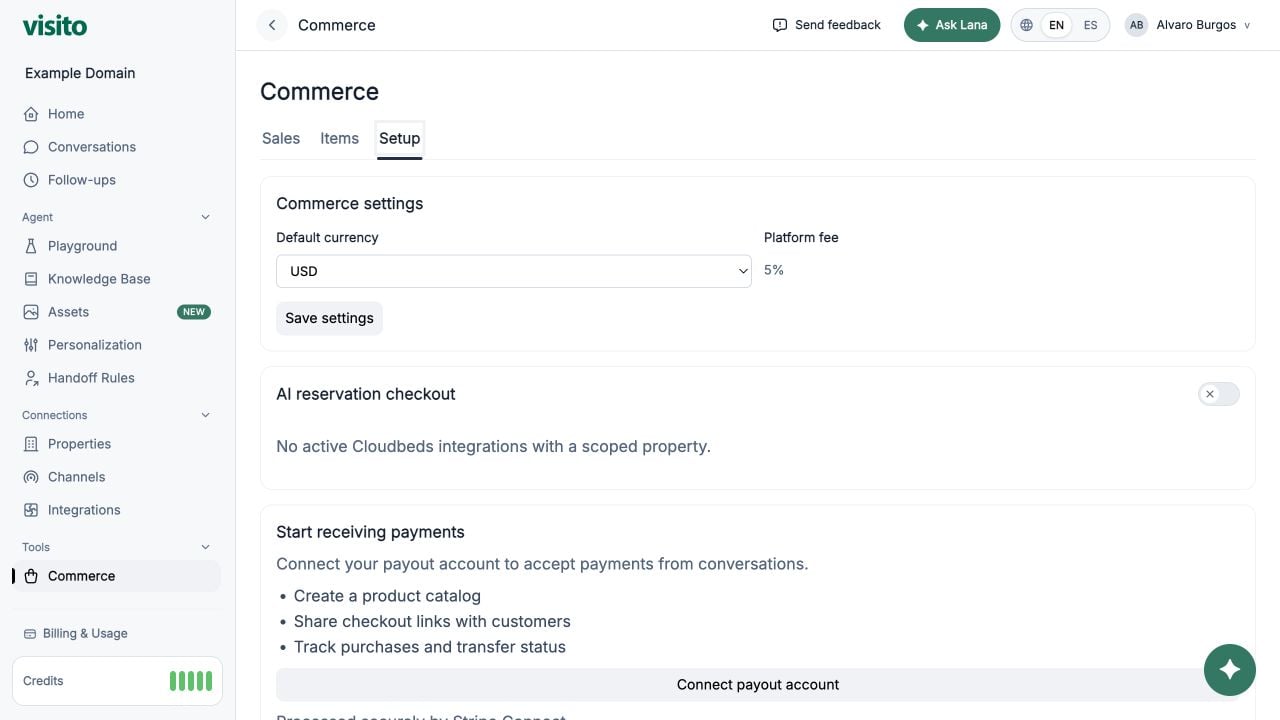
- Go to https://app.visitoai.com/payments/settings
- Click the primary connect button (for example, Connect your bank account).
- Complete onboarding in Stripe.
- You will return to Visito on the Payments settings page.
- Open your Stripe Express dashboard
- Disconnect and reconnect a different account
2. Enable In-Chat Payment Capture
In Payments settings, enable the toggle for in-chat payment capture. This toggle controls whether AI can capture payments in chat instead of sending the user to a booking engine.3. Configure Booking Deposit Percentage
For booking-based flows, you can define what percentage is charged:0.01= 1%0.50= 50%1= 100%
Booking Payments vs Items
| Area | Booking Payments | Items Catalog |
|---|---|---|
| Use case | Reservation/deposit collection | Standalone products/services |
| Price source | Booking total × deposit percentage | Exact item price × quantity |
| Deposit percentage | Applies | Does not apply |
| Quantity | Not used | Required input (>= 1) |
| Properties | Not used | Structured fields per item |
4. Booking Payment Flow
When AI creates a booking payment link:- AI calculates the amount using your configured booking percentage.
- AI sends the Stripe payment link to the guest.
- Link follows the configured expiry behavior.
- After successful payment, status is updated in Payments.
5. Track Booking Payments
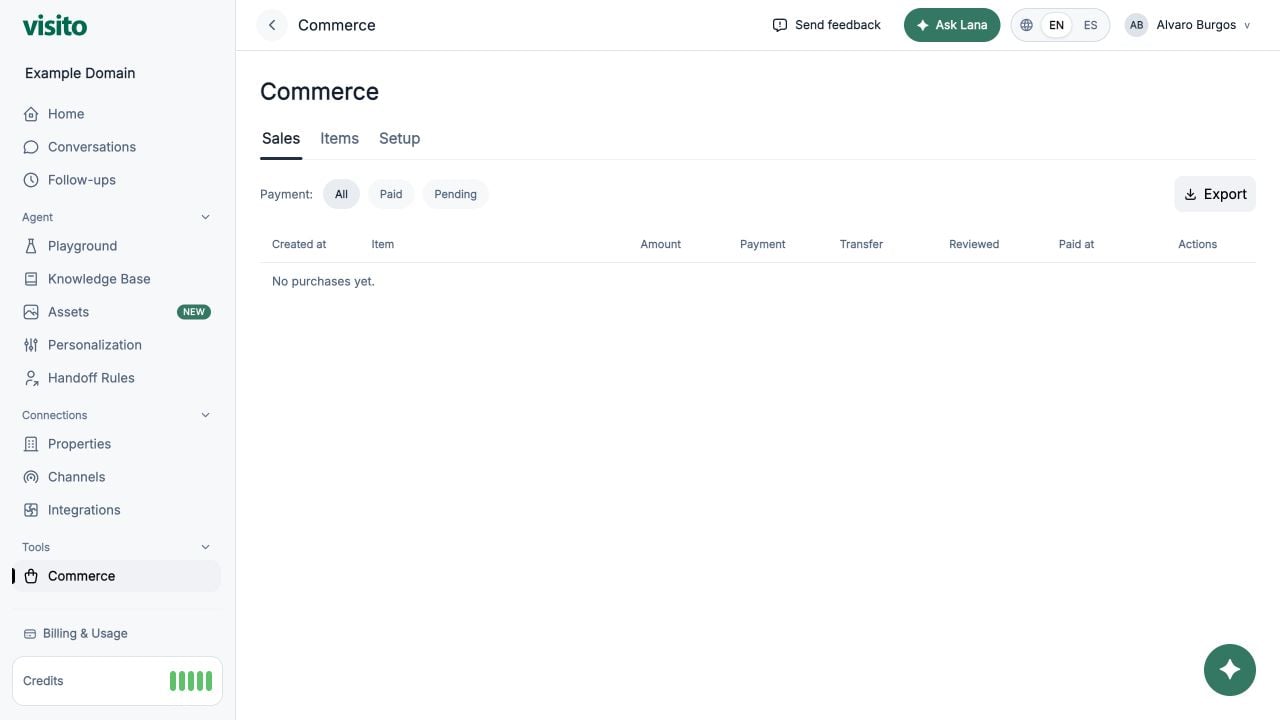
Use https://app.visitoai.com/payments to monitor booking transactions, payment status, and reconciliation state.6. Troubleshooting
- Payments tab not visible:
- Confirm eligibility (Cloudbeds/Glofox integration, Stripe connected, or item exists).
- AI is not sending booking links:
- Verify Stripe is connected.
- Verify in-chat payment capture is enabled.
- Stripe Express dashboard cannot open:
- Disconnect and reconnect Stripe Express to ensure account access is correctly configured.