
API Keys
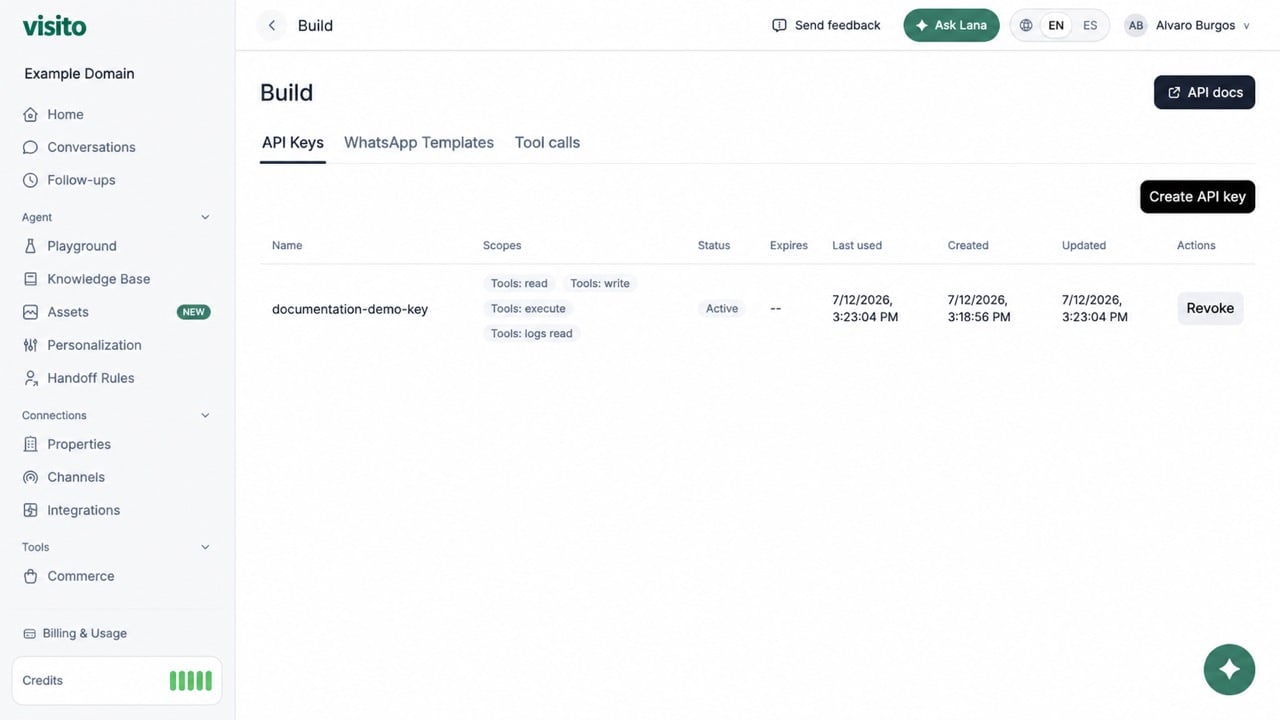
Create a key
- Select Create API key.
- Enter a recognizable name.
- Choose one or more scopes.
- Optionally set an expiration.
- Create the key and copy the raw value.
WhatsApp Templates
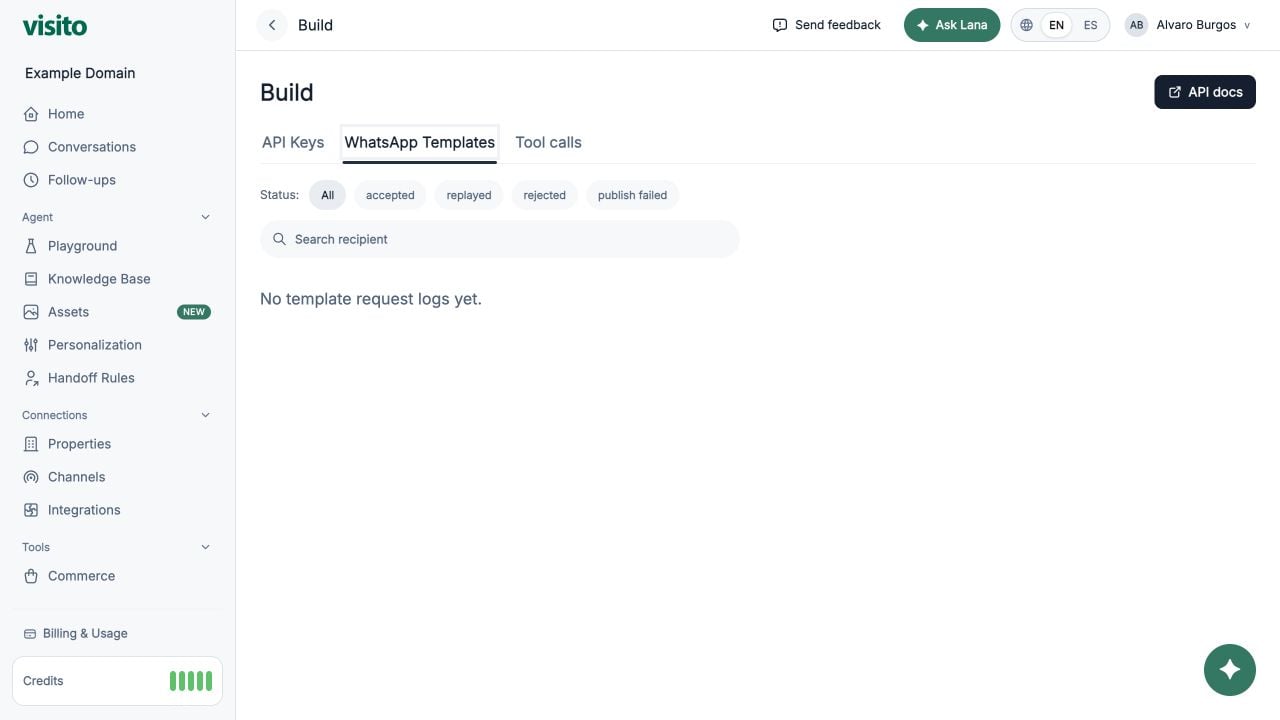
- accepted
- replayed
- rejected
- publish failed
Tool calls
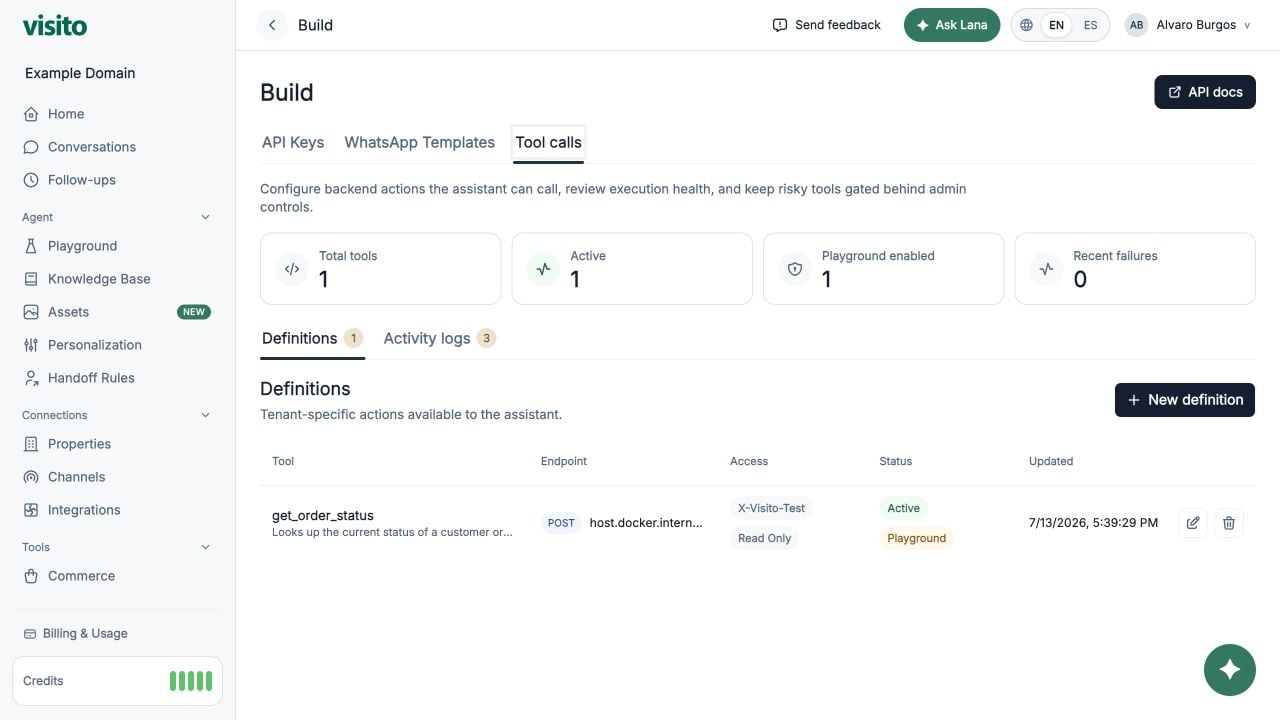
Connect your first custom tool
Follow an order-status example from endpoint setup to Playground replies, including missing information and failed lookups.
Definitions
Select New definition and configure:- Function-style name
- GET or POST method
- HTTPS endpoint
- Timeout
- Description of when the assistant should use it
- JSON Schema for parameters
- No auth, bearer token, or API-key header
- Active, Read only, and Playground access
What a customer conversation looks like
For a tool namedget_order_status, a successful conversation follows this sequence:
- The customer asks, “Where is order A-1003?”
- The assistant calls the tool with
{ "order_number": "A-1003" }. - Your backend returns structured order data.
- Playground shows Action completed: get order status. A live Conversations timeline shows the compact operator receipt Action completed.
- The assistant turns the tool result into a natural customer reply.
Activity logs
Open Activity logs to inspect tool, status, endpoint, response status, duration, request, redacted headers, response, and error details. If a receipt shows Action failed, open its activity log before retrying. Confirm whether the failure came from invalid arguments, authentication, timeout, a non-2xx backend response, or malformed output. Do not assume that a mutating action completed.
Each tool-call attempt consumes one credit, separately from any completed AI response. See how Visito credits work for counting examples.