
Prepare a test plan
Build the test plan from real questions your team receives. Include at least:
For connected availability and pricing tools, test the complete workflow from search through selection and confirmation. Verify the provider result rather than relying on an assumed price or availability.
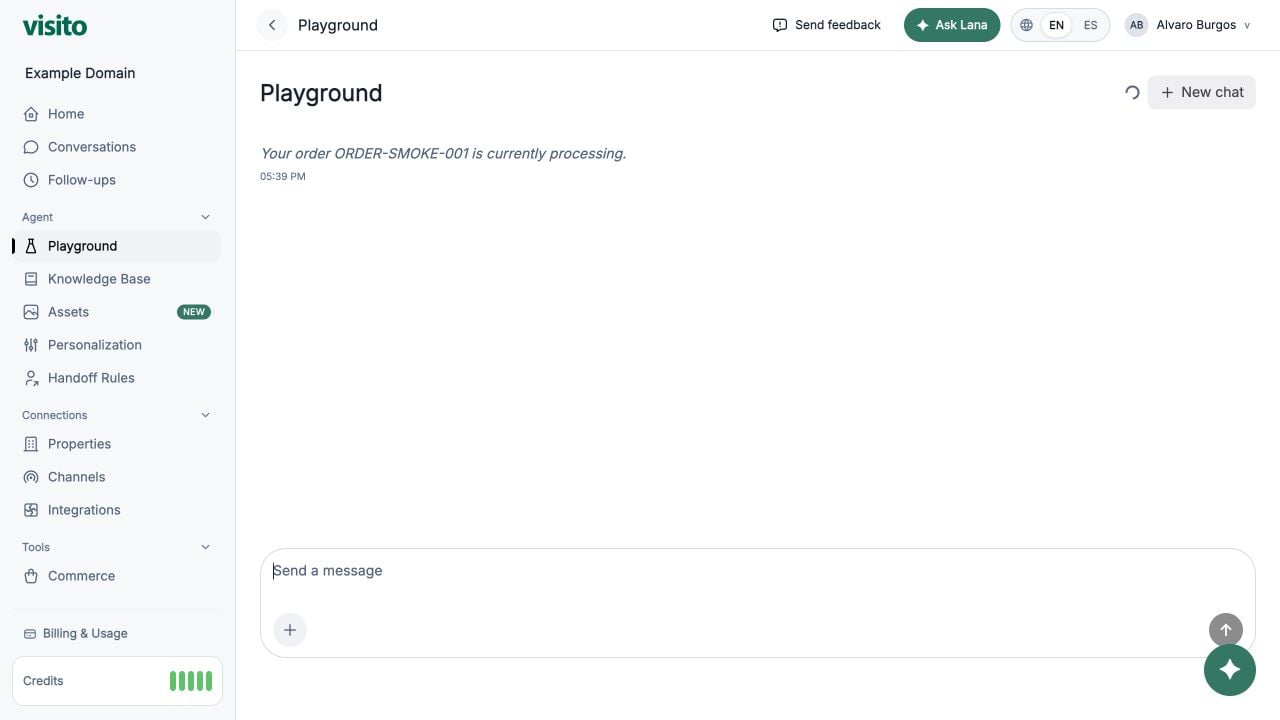
Run tests in Playground
1
Start a new chat
Use a clean chat after material changes to knowledge, instructions, integrations, tools, or handoff rules.
2
Ask the test message
Use natural customer wording rather than copying your source title.
3
Continue the conversation
Test whether the agent retains context and asks only for missing information.
4
Record the result
Mark it Pass, Needs content, Needs behavior, Needs handoff, or Needs integration.
5
Fix the owning configuration
Update the Knowledge Base for facts, Custom Instructions for behavior, Handoff Rules for escalation, or the relevant integration for provider results.
6
Start another new chat and retest
Confirm the fix did not create a new failure in a related scenario.
Diagnose the right layer
Go-live checklist
Workspace and business
- The active workspace is correct.
- Every active business has the correct country and timezone.
- Business-specific knowledge, assets, channels, and integrations have the correct scope.
Knowledge and behavior
- Essential FAQs have clear, current answers.
- Conflicting or expired sources are inactive or removed.
- Custom Instructions are short, specific, and free of secrets.
- Requests are not described as confirmations.
Handoffs
- Explicit requests for a person trigger a handoff.
- Urgent and payment scenarios capture only essential fields.
- Working hours and AI timezone are correct.
- Similar normal questions do not create false-positive handoffs.
Testing and connections
- The main test plan passes in new Playground chats.
- Connected channels are assigned to the correct businesses.
- Active and Respond states are intentional.
- Connected integrations complete their main availability, pricing, or operational tests.
- At least one operator knows how to review and resolve a handoff.
Launch gradually
Start with one business or channel when possible. Review the first live conversations daily, then expand after the common questions and handoff behavior are stable. After launch, use Conversations, Home, Follow-ups, and handoff history to identify:- Frequently unanswered questions
- Incorrect business scope
- Repeated manual corrections
- Missing escalation scenarios
- Rules that trigger too often
Playground reference
Learn how test chats and clean sessions work.
Build your AI agent
Return to the full onboarding sequence.