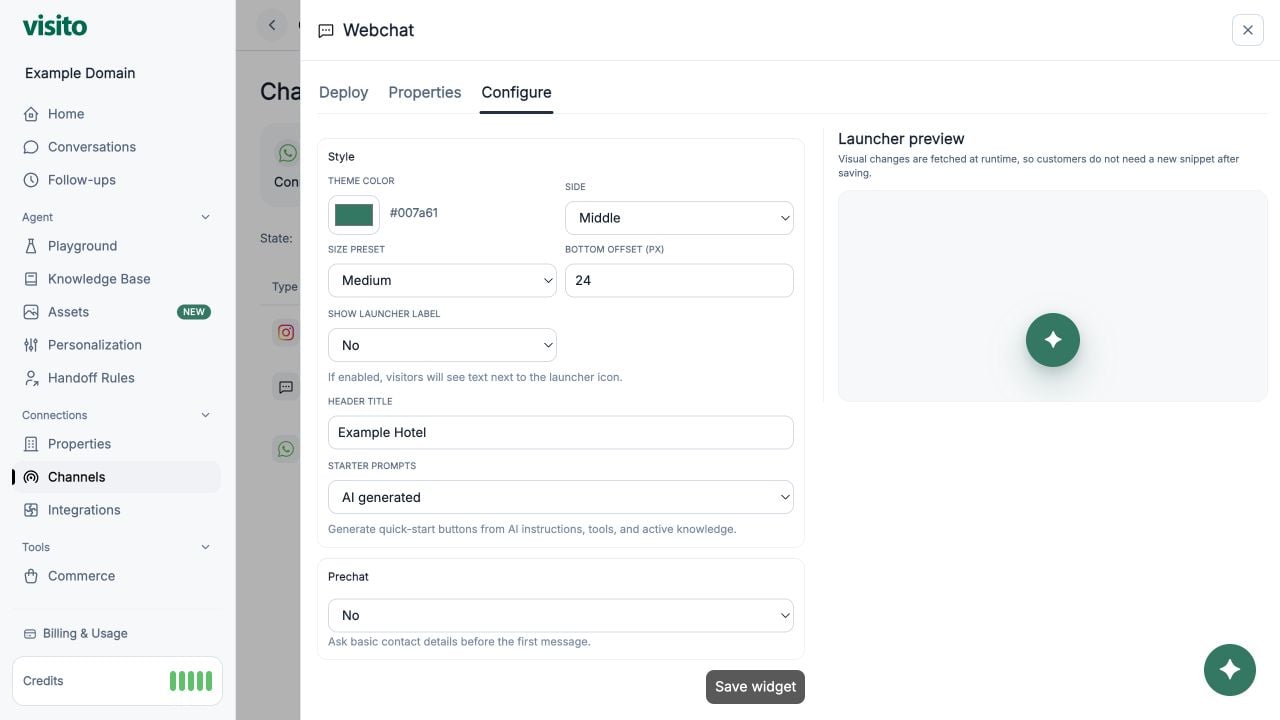
You can add the Visito Web Chat widget to your website in two different ways:
  • Embed (script tag) — recommended for any custom website, app, or site builder.
  • WordPress Plugin — the fastest option if your site is running on WordPress.
Choose the method that best matches your setup.

Embed

You can embed the Visito chat bubble on any website by adding a small script snippet.

How to embed the widget

  1. Go to Channels → Web Chat → Embed.
  2. Click Copy to copy the script shown in the dashboard.
  3. Paste that script inside your website’s <head> section or your site builder’s custom code area.
  4. Publish or deploy your site.
Once added, the chat widget will appear automatically.

WordPress

If your website is built with WordPress, you can install the chat widget in seconds.

How to install on WordPress

  1. Go to Channels → Web Chat → WordPress.
  2. Install the official plugin:
    https://wordpress.com/plugins/visito-ai
  3. In your WordPress dashboard, navigate to Settings → Visito AI.
  4. Copy your API Key from the Web Chat → WordPress tab.
  5. Paste the key in the plugin settings and save.
Your chat widget will appear automatically on your WordPress site.